

H-MIX
Levels set before you touch a fader.
£99
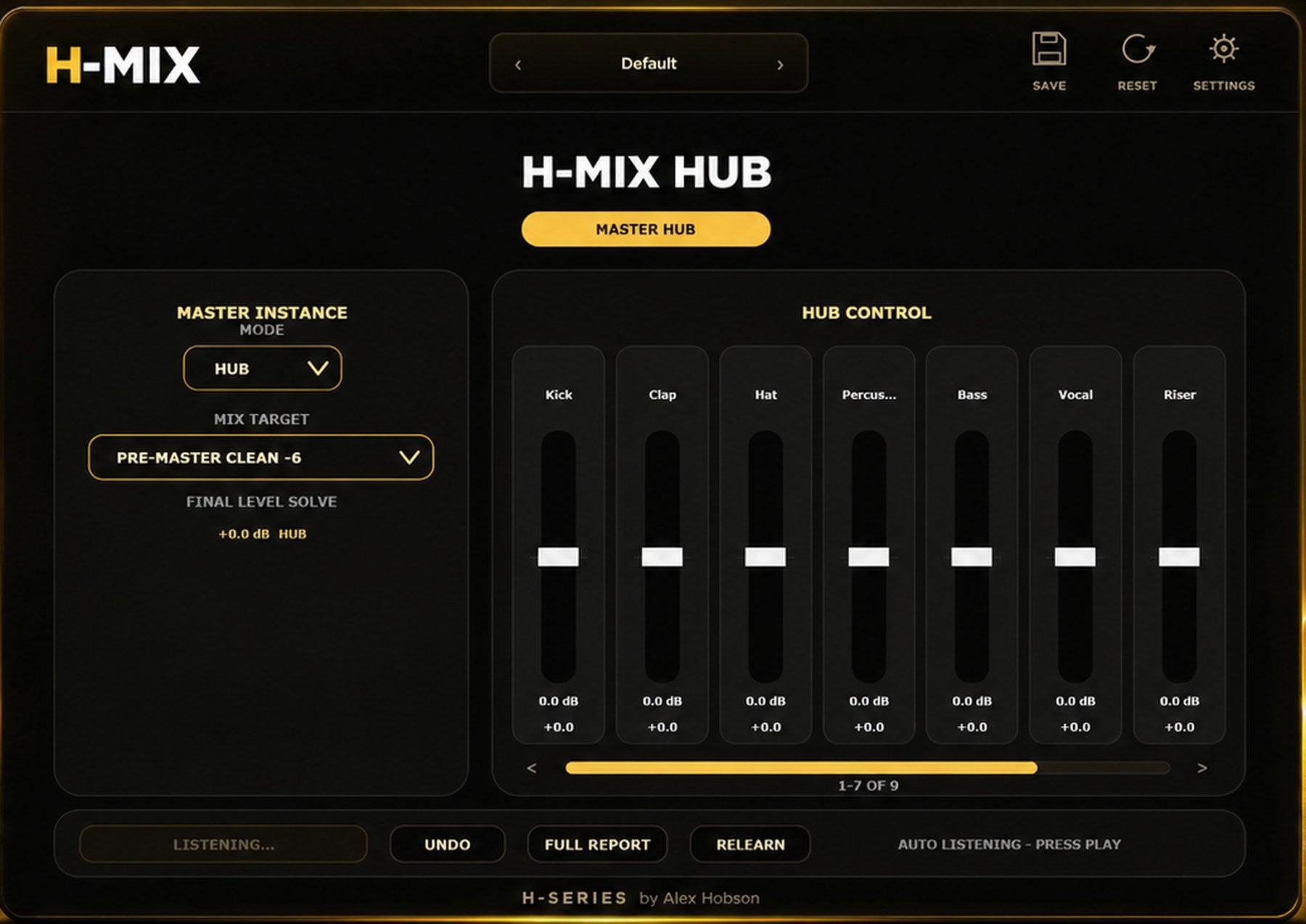
The Hub, on the master
The first hour of a mix is nearly all balance.
Before any EQ or compression, most of the work is deciding how loud everything should be against everything else. H-MIX listens to the whole session, works out what each channel is, and sets the levels for you. It moves gain and nothing else, so you get a starting balance rather than someone else's mix.
One central mix hub
Place H-MIX in Channel mode on each track you want to include, such as your kick, clap or bass. Then add H-MIX to the master and select Hub mode. Every track with a Channel instance appears in the Hub, bringing the channels you want to balance together in one place. Press play so H-MIX can listen and work out the level adjustments.
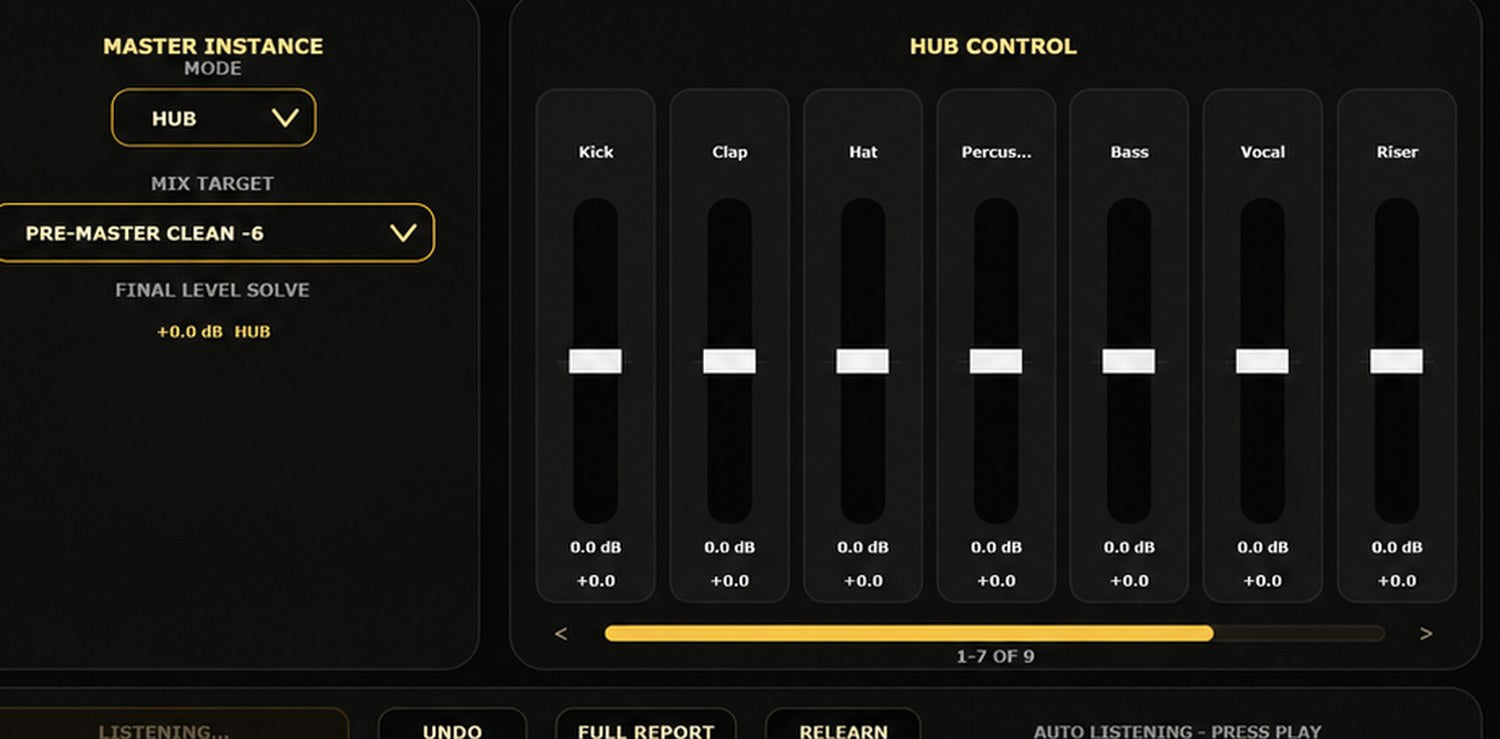
Gain, and nothing else
H-MIX adjusts channel levels, leaving EQ, compression and other processing to you. It limits how far each level moves and how many channels change at once, making the adjustments easier to hear and review. The result is a starting balance you can build on, with the final decisions about which parts lead the mix still in your hands.